Calendly Review 2026: We Tested the Free Plan, Booking to Cancel
Hands-on test here; for plan math see Calendly pricing 2026 — this page covers the booking run, that one covers the seat prices and the two Plus rows the page hides.
TL;DR: Calendly’s free plan gives you one scheduling link that works immediately — the fastest time-to-first-booking we have measured on any scheduler (under 60 seconds from account creation to a public link). The complete visitor loop, including the email cancel link we could not verify on Cal.com, passed end to end with screenshots to prove it. What you give up: one event type (per the official page), one calendar connection, and any built-in video — and Calendly rejects throwaway-email domains at both signup and the booking form. For a solo professional who needs one link and a zero-friction page for strangers, the free plan is the polish benchmark; for anyone juggling multiple meeting types, the paywall arrives early. Rating: 3.5 / 5 (free plan tested; Standard/Teams page-verified only — we don’t test plans that require a credit card).
How we tested (and what that means for this review)
This is a hands-on review with a public test log: eval-ops evidence directory plus every claim tied
to a run artifact (the full pre-registered plan and timestamped notes ship with this page). We created
a real free account on 2026-09-03 on a self-owned email domain, published its booking page, took one
real visitor booking from a genuine browser (the owner of this site clicked through in ~60 seconds),
ran automated attempts from isolated Chromium contexts, and re-swept pricing on the morning of
2026-09-04. Where a control resisted automation, we say so instead of pretending we tested it.
Signup: a wall that isn’t a captcha
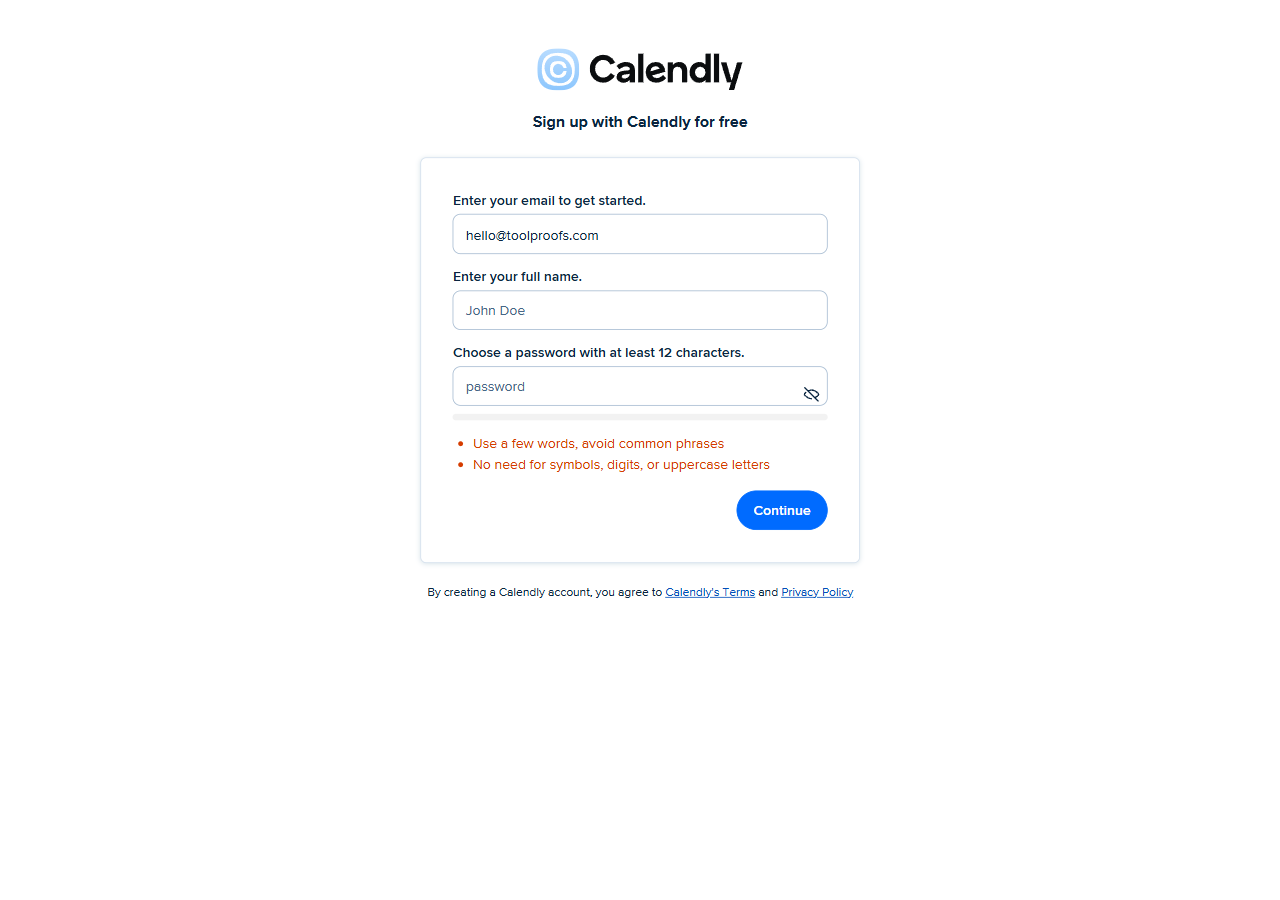
Calendly’s signup form is technically easy for a machine and strategically closed to one. The form itself (rendered in a nested iframe, of all things) accepts scripted input, and reCAPTCHA Enterprise let our submission through silently. What actually stopped us was a domain blacklist: emails from throwaway domains — we tried two from separate providers — bounce with “Please enter a different email. Calendly does not support this domain.”, and the error fires before password validation, so it’s a server-side reputation check, not form logic. Google OAuth is a dead end for automation from our environment as well (the account chooser swallows synthetic clicks outright).
The same blacklist applies to the visitor booking form. That is a product decision worth noticing: it blocks junk bookings by bots and pranksters, and it also locks out invitees who deliberately use disposable addresses for privacy. There’s no stated policy on the page — you only find out by being rejected.
The account we did create (real domain, confirmation link from the email) reached the dashboard in about two minutes including human-assisted email click. That part is genuinely fast.
60 seconds to a working link — onboarding is the product
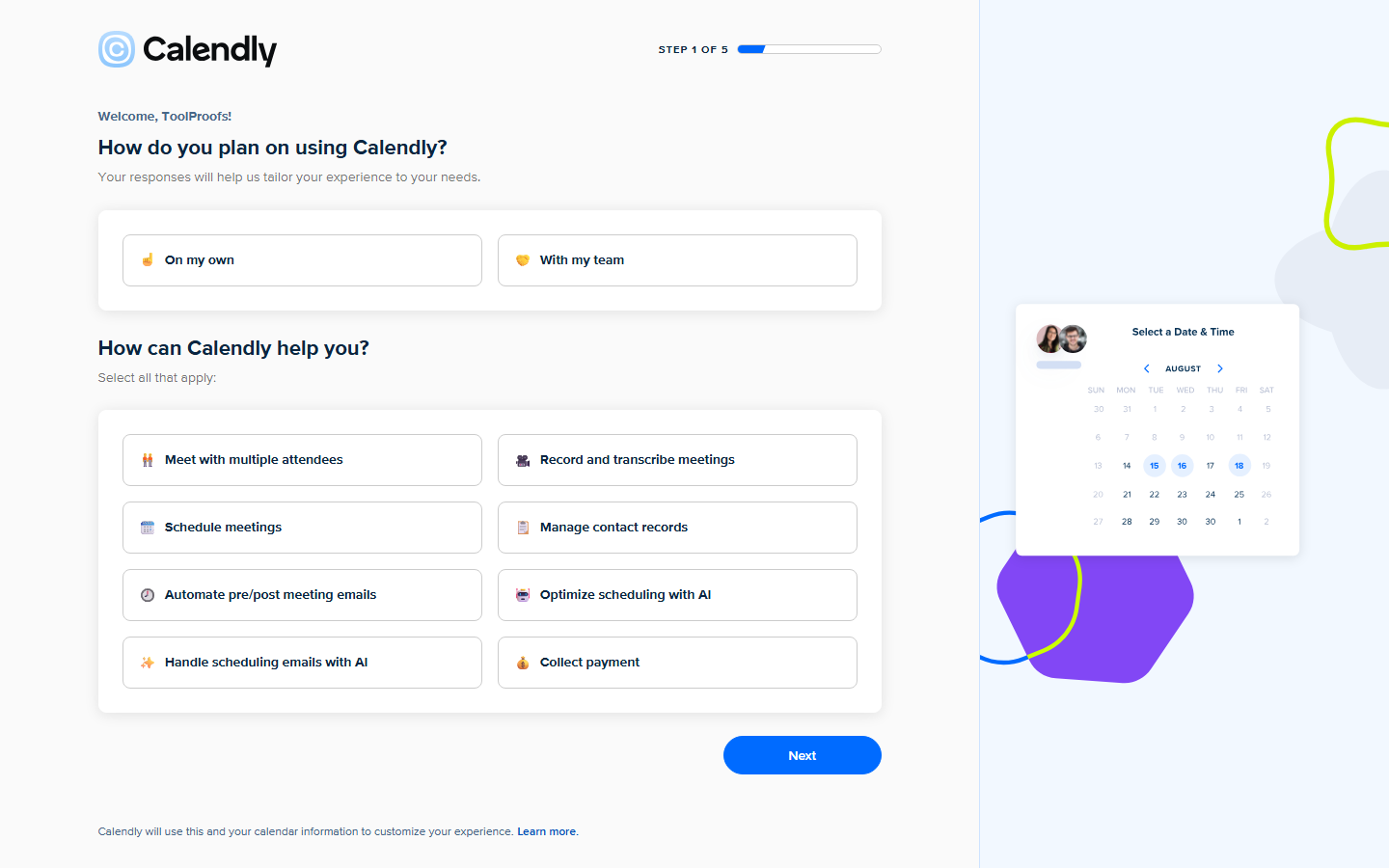
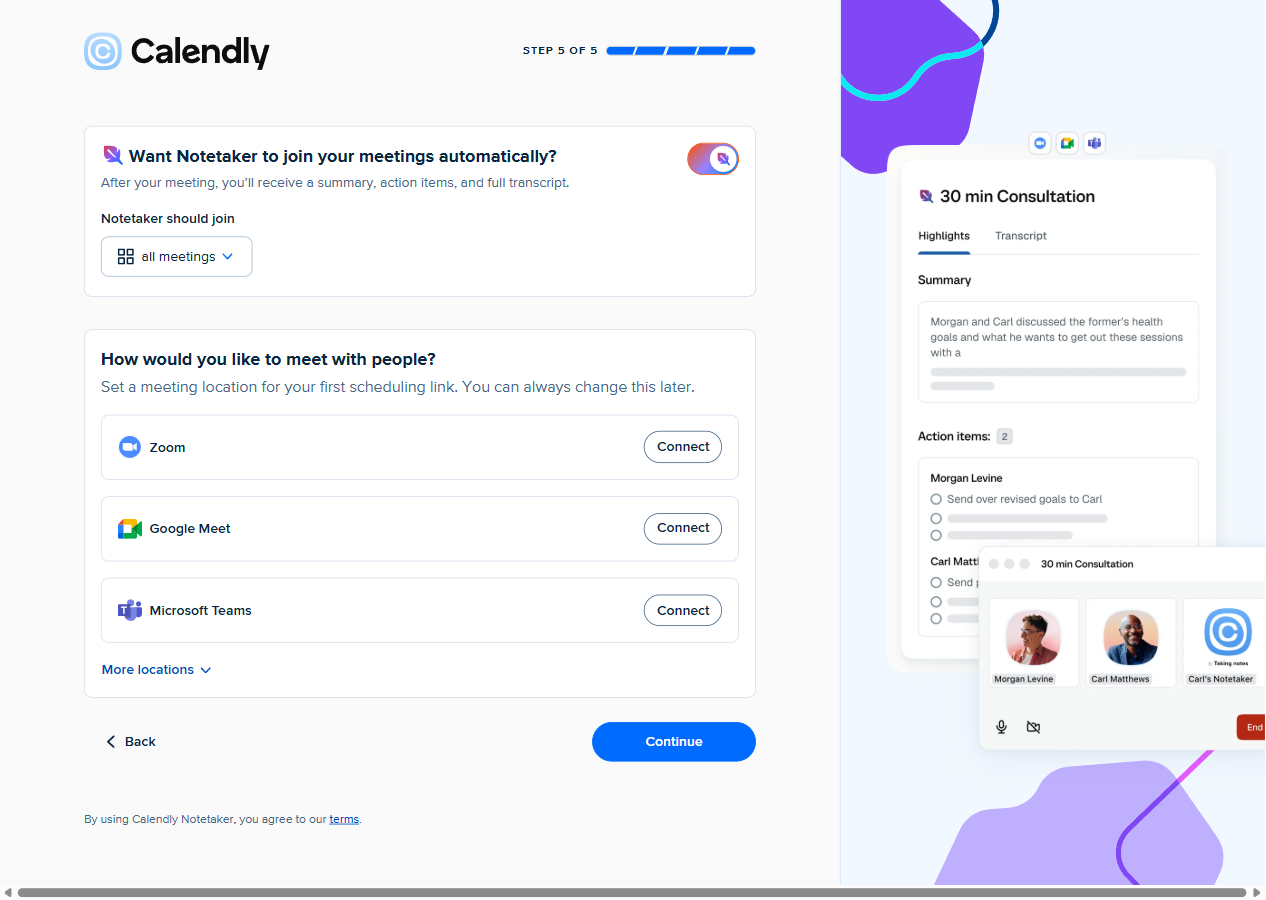
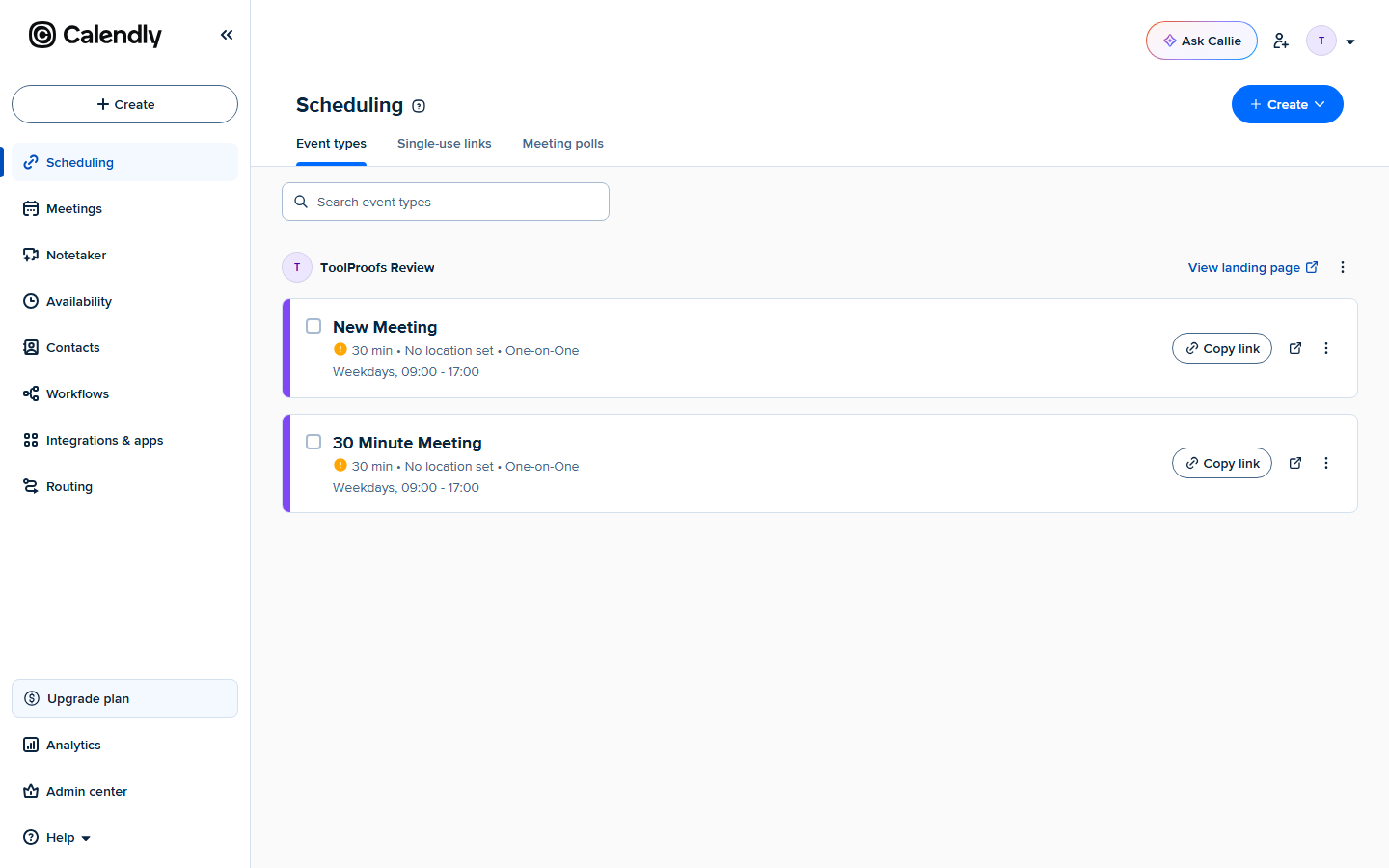
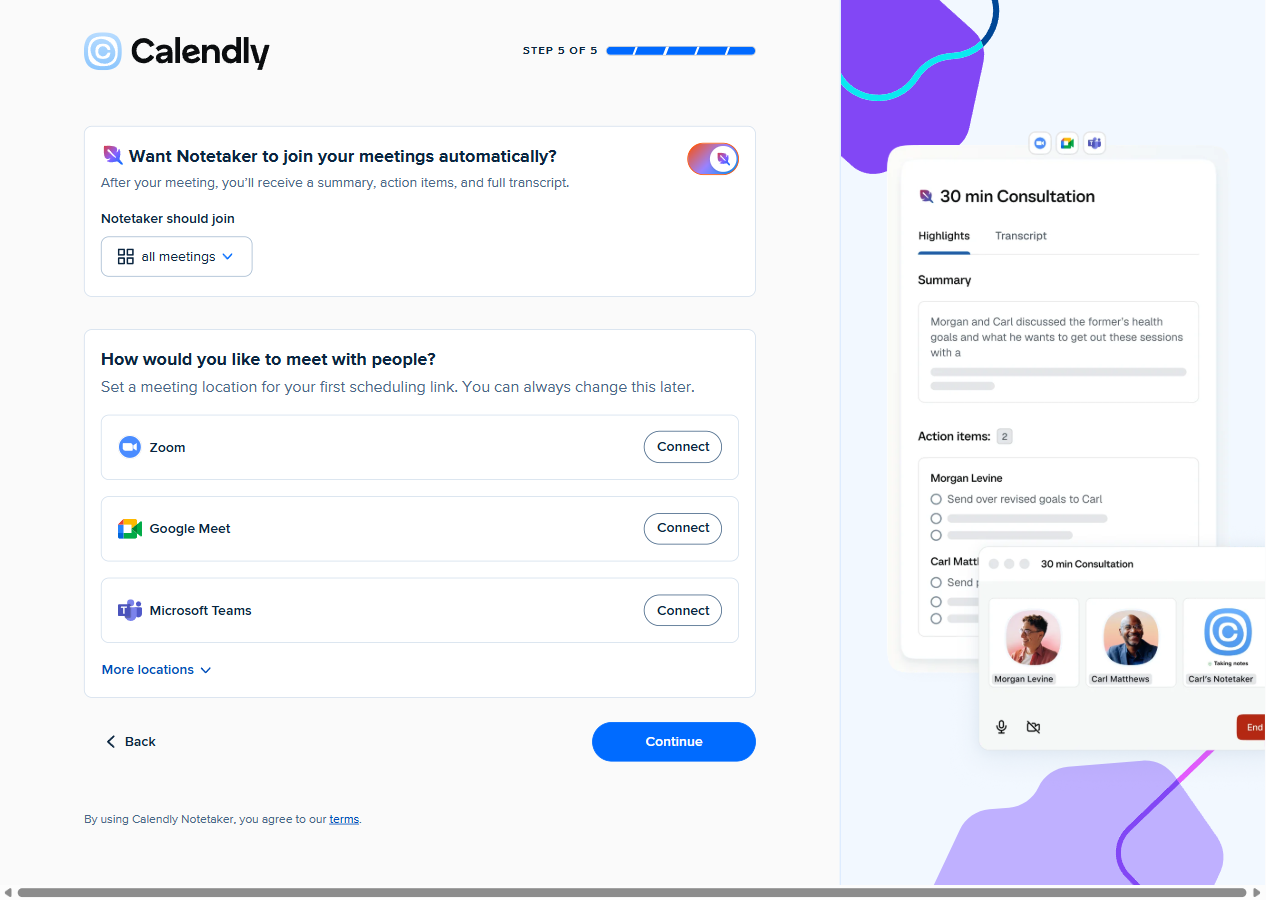
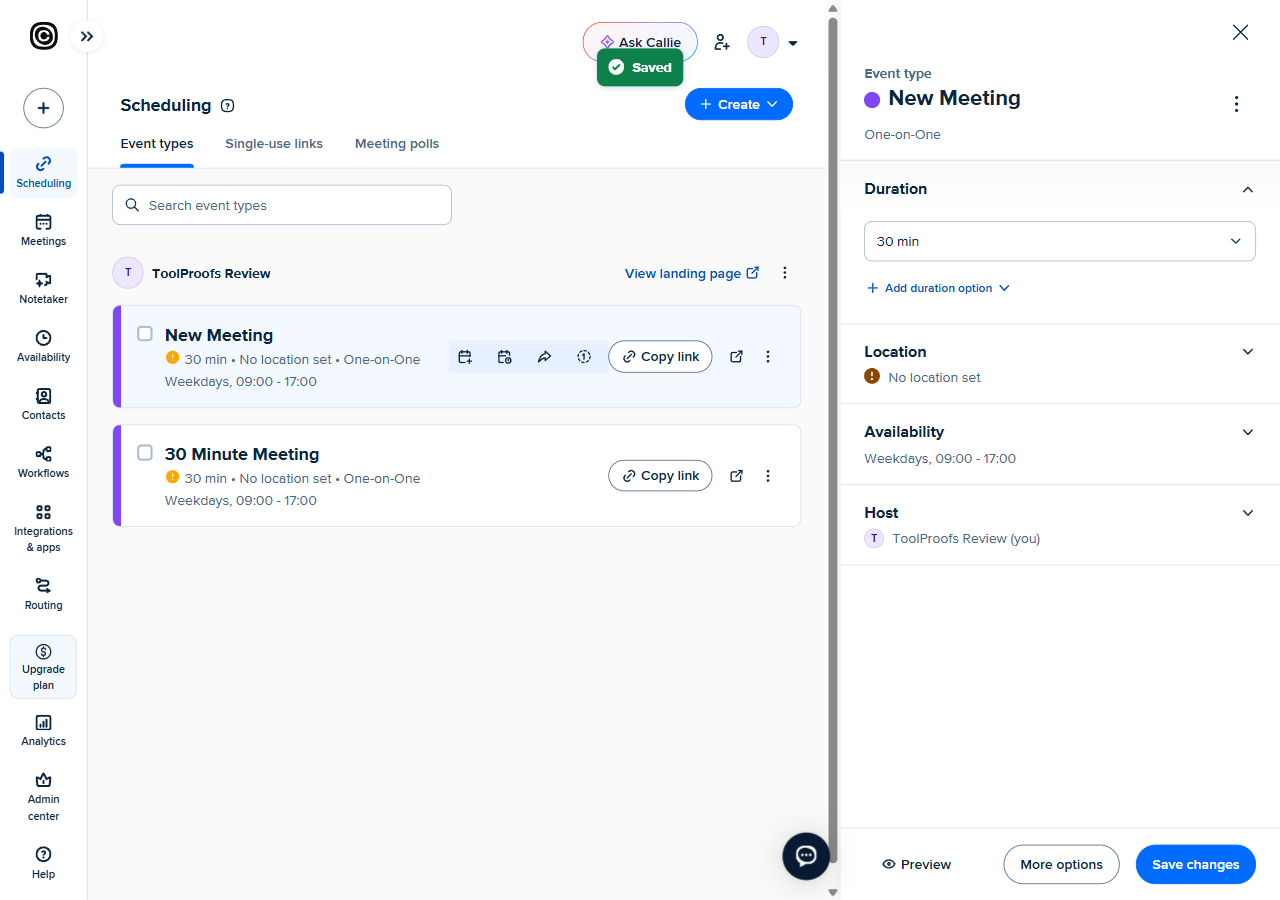
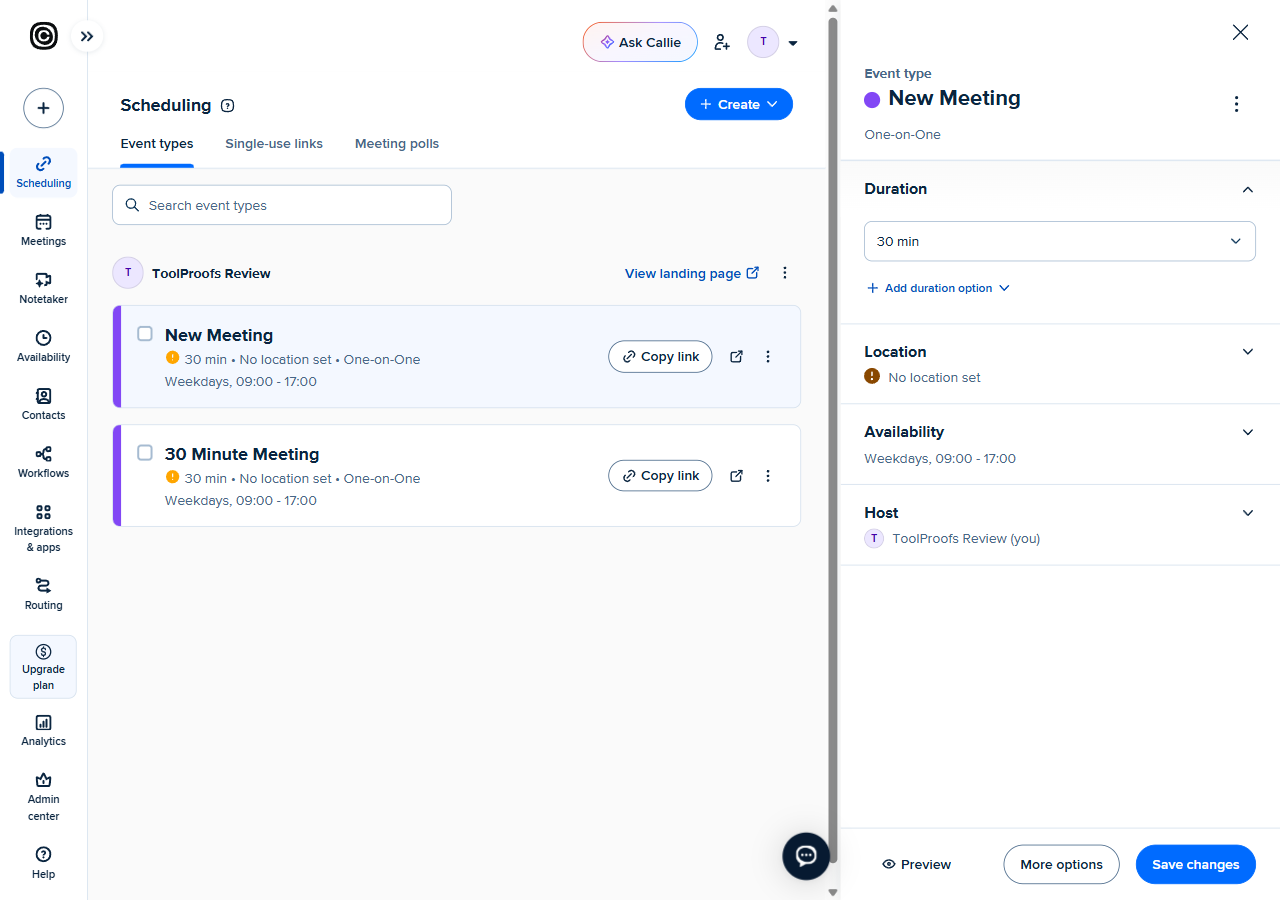
The 5-step onboarding (how you’ll use it / your role / which features / connect a calendar / set a location) is unusually honest about skipping: calendar connection is skippable, location is skippable, and at the end Calendly auto-creates a working “30 Minute Meeting” event type and hands you the link. Our first public booking URL existed under a minute after login, and — notable — an event with “No location set” still takes bookings. The free plan’s core loop does not require you to connect Google or Outlook at all.
One snag cost us real time: the Duration control on the event editor never opened its popover under scripted clicks at the exact element coordinates. The event stayed at 30 minutes. We log this as a defect with inconclusive attribution (trusted-event-only control vs. our automation stack) because we could not complete a clean manual check of it either.
The visitor flow is the best we’ve tested
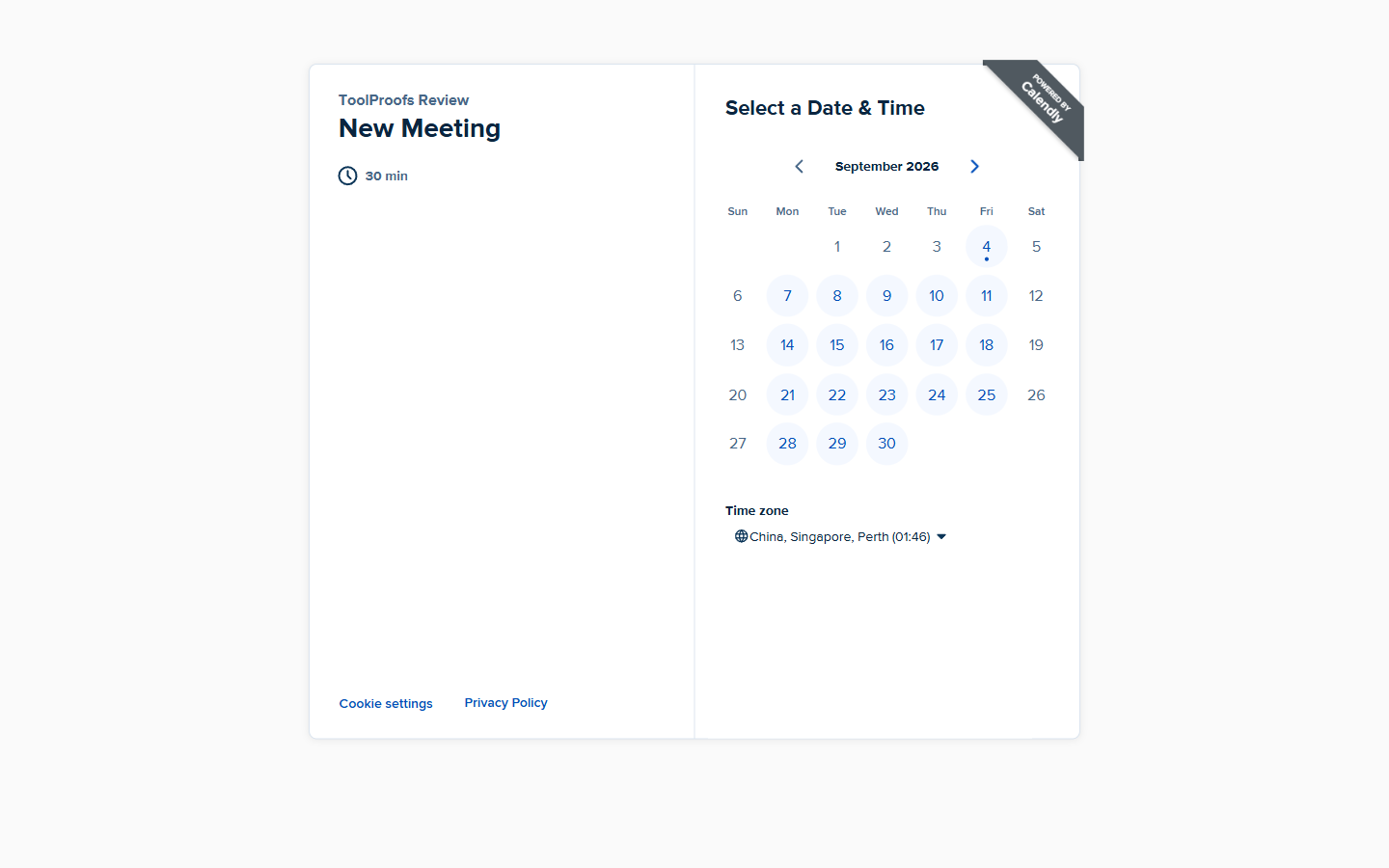
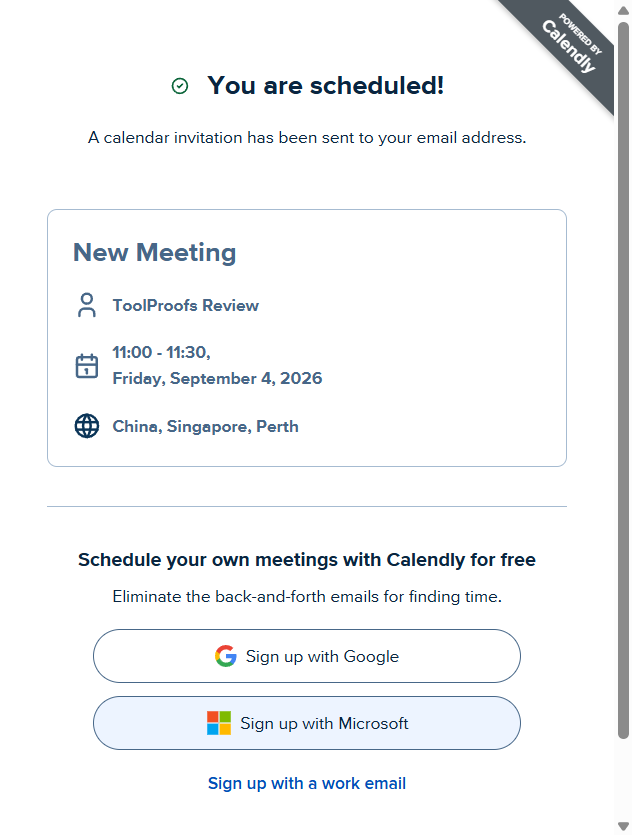
Opening the public page: month grid with per-day availability (weekdays 09:00–17:00 by default, 30-minute slots), timezone defaulted to the site’s UTC+8 grouping, 12/24h toggle. Pick a slot, Next, fill name + email (+ optional question), Schedule Event — the real-browser control booking was accepted with reCAPTCHA completely invisible and landed on “You are scheduled!” 60 seconds after opening the link.
Our automated contexts told a more interesting story: the same submission first produced
“This booking cannot be completed. For security reasons…” (tid-rb-* codes, HTTP 400), then after
browser-fingerprint tweaks it escalated to an interactive “Confirm you’re human” checkbox. Read plainly:
Calendly’s risk layer is tuned so a scripted third party cannot book on anyone’s behalf, while a human
visitor never sees a wall. Whatever you think of the philosophy, the practical consequence for a
reader comparing schedulers is real: your calendar can’t be quietly farmed by bots.
Cancel, reschedule, receipts: the loop we came for
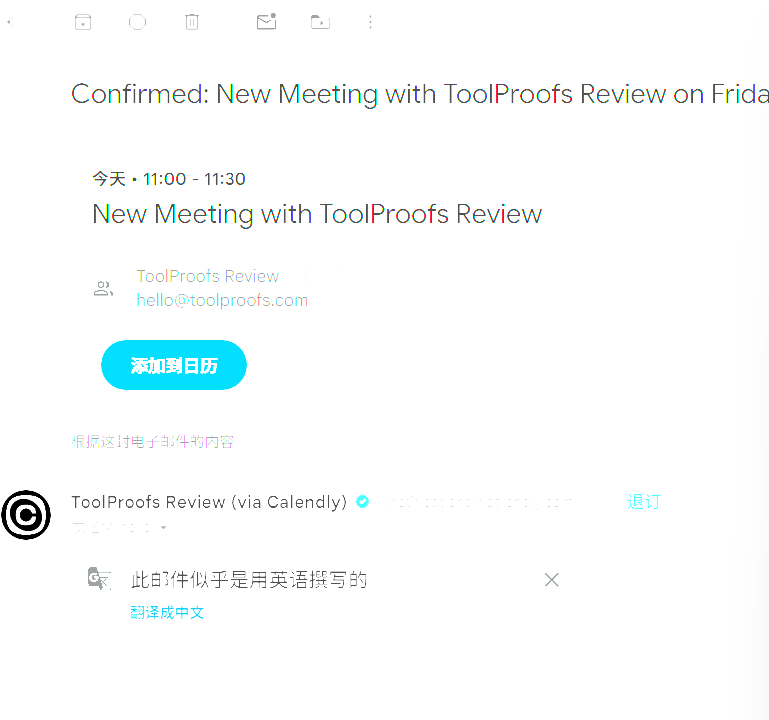
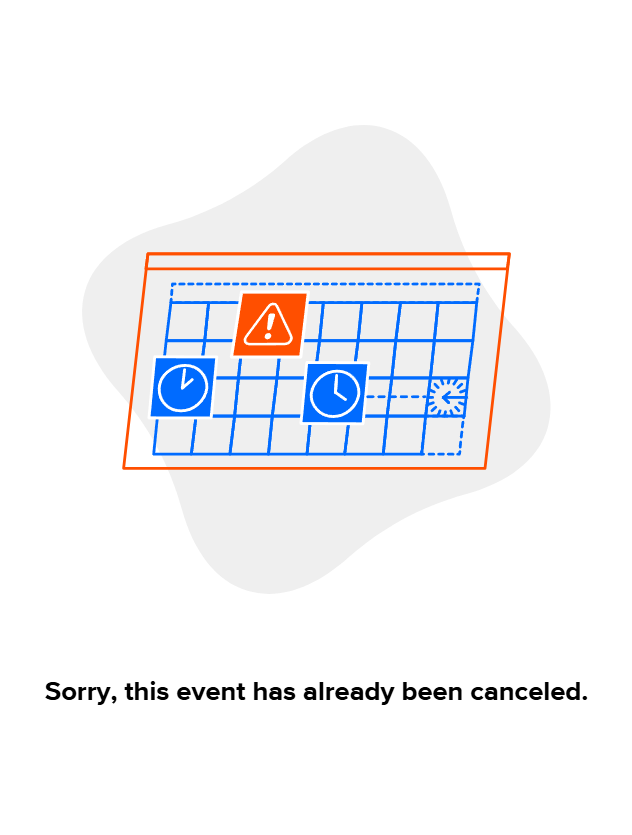
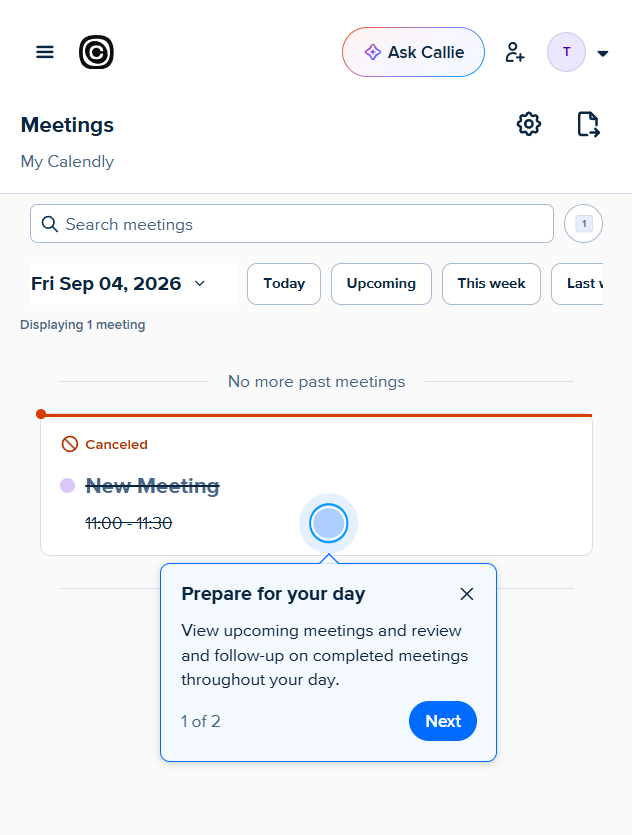
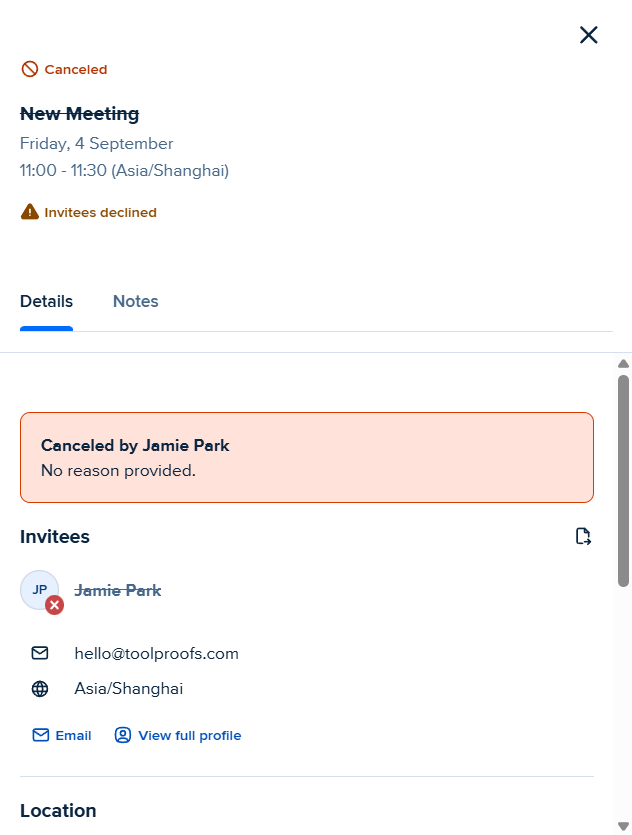
This is the flow that Cal.com’s review still lists as a gap, so we pre-registered it as a hard test for Calendly. Result: clean pass, no asterisks. The visitor confirmation email (“ToolProofs Review (via Calendly)”) contains an .ics attachment and two magic links under “Make changes to this event:” — a Reschedule URL and a Cancel URL. One tap on the cancel link renders “Cancel Event?” (with an optional reason box), one more tap gives “Cancellation Confirmed.” Reopening the same link later returns “Sorry, this event has already been canceled.” — server-side idempotency, not a UI state. On the owner side, the Meetings list moved the booking to Canceled with a complete timeline: Event booked by Jamie Park 02:37 → Event canceled by Jamie Park 02:50, “No reason provided.” Booked, confirmed, canceled, synced — 13 minutes, every step evidenced.
Calendly pricing (verified 2026-09-04; re-checked with fresh captures 2026-09-05 and 2026-10-10)
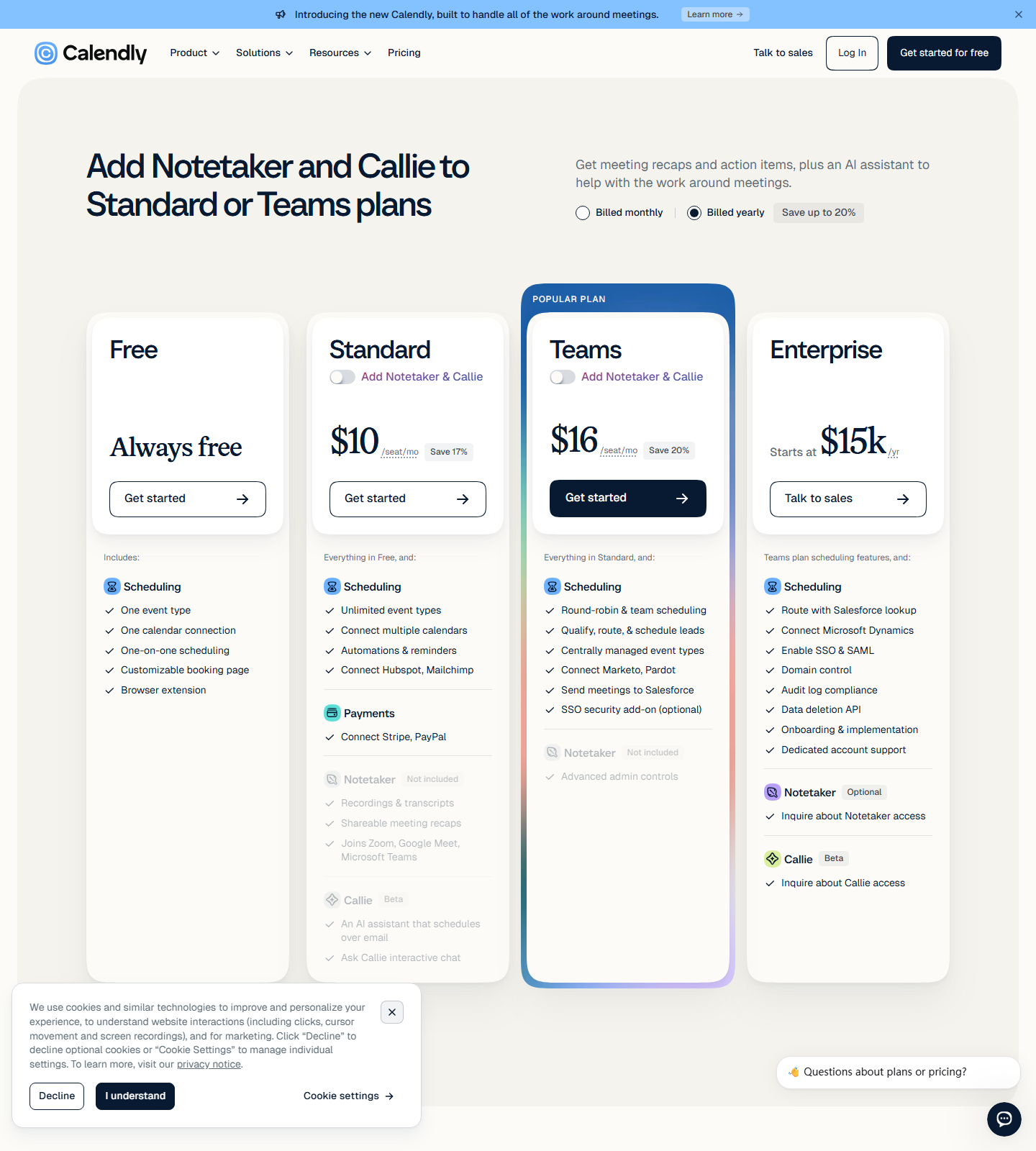
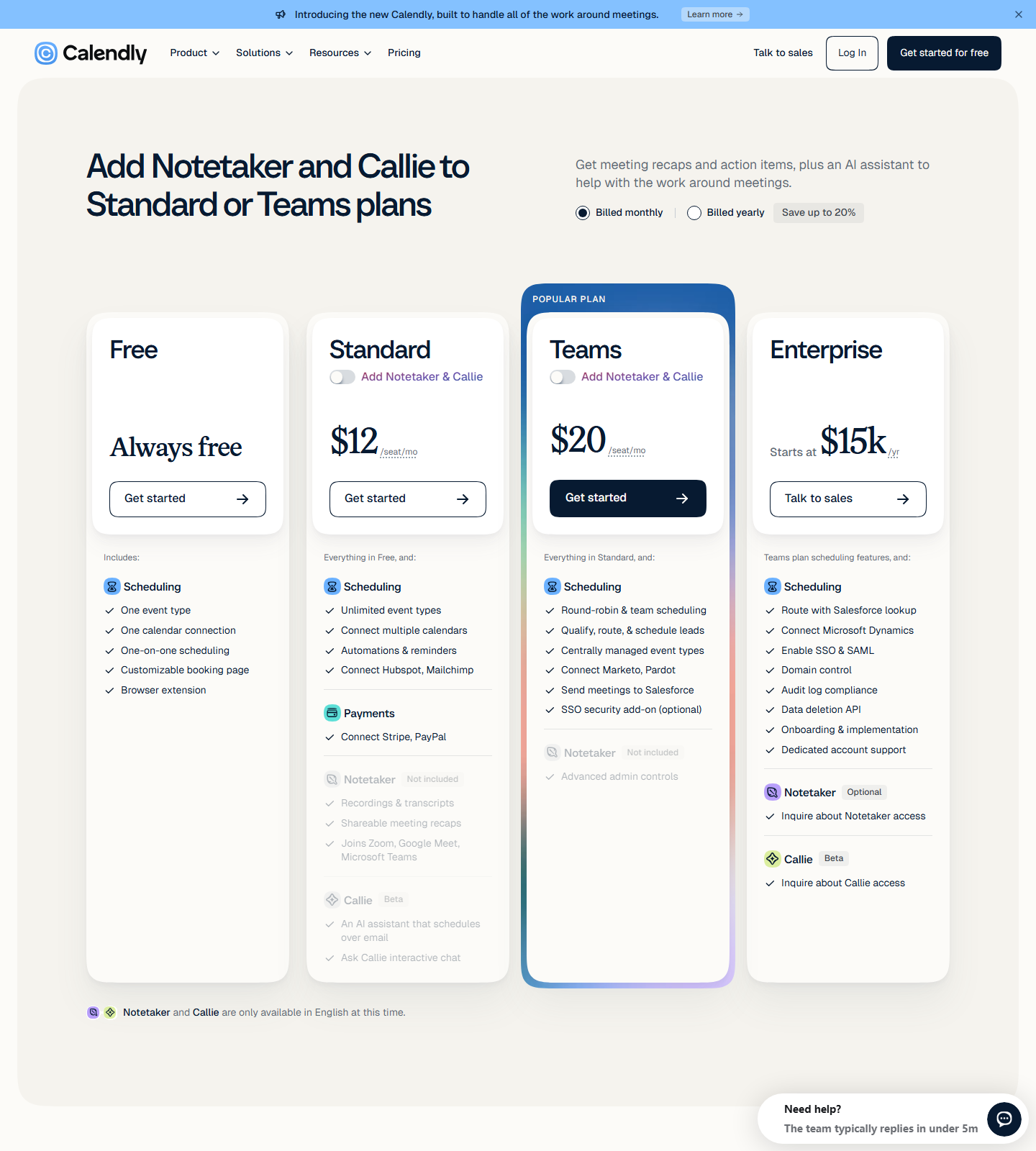
Captured fresh from calendly.com/pricing on September 4, 2026, in both billing views (screenshots in the evidence folder; zero drift vs our 2026-09-02 capture), re-captured a third time on September 5, and a fourth time on 2026-10-10 — still zero drift on every figure below (that last run also re-exercised the “Billed monthly” control live: $12/$20, Enterprise line unchanged):
| Plan | Billed yearly | Billed monthly | What the page says you get |
|---|---|---|---|
| Free | $0 | $0 | One event type, one calendar connection, one-on-one scheduling, customizable booking page, browser extension |
| Standard | $10/seat/mo (Save 17%) | $12/seat/mo | Unlimited event types, up to 6 calendars, automatic Zoom/Google Meet/Teams links, workflows, HubSpot/Stripe/Zapier |
| Teams | $16/seat/mo (Save 20%) | $20/seat/mo | Round-robin + collective events, routing forms, Salesforce, seat analytics |
| Enterprise | Starts at $15k/yr | same page, “Talk to sales” | Teams features + Salesforce-lookup routing, Dynamics, SSO & SAML, domain control, audit-log compliance, data deletion API, onboarding; 50-seat minimum, USD only |
Two footnotes on the page deserve airtime. Seats: “Seats are required for users to connect calendars and host Calendly meetings — meeting invitees do not require a seat” — meaning guests never cost you. And a site-wide banner: “Add Notetaker and Callie to Standard or Teams plans” — Calendly’s AI notetaker and assistant are paid-tier add-ons, not part of free.
Correction, 2026-09-05: an earlier version of this section called Enterprise “quote-only” and
disclaimed a ~$15k/yr figure as third-party hearsay. Both statements were wrong. Enterprise’s price
is printed on the official page itself — “Starts at $15k /yr … Starts at 50 seats … Available in
USD only” — and it is visible in our own 2026-09-04 screenshot (calendly-05-01), in the four-card
row at the top of the page. The error was our reading of the evidence, not the evidence: the scripted
DOM grab flattens the page text, and we located “Starts at $15k” inside the mid-page comparison blob
without tracing it back to the pricing card where it actually renders. Re-verified 2026-09-05 with a
fresh dual-view capture (calendly-05-11/12-pricing-*-0905.png, screenshots + raw JSON in our test
log): yearly $10/$16, monthly $12/$20 — zero drift — Enterprise stated identically in both views.
Bottom line, corrected: Enterprise starts at $15k/yr, 50-seat minimum, USD only, with “Talk to
sales” as the only action button.
The one-event-type limit itself: we cite it because the official page states it (and third-party 2026 sources agree), not because our test account ever hit the wall. Our free account currently runs two active event types side by side with no warning — one auto-created by onboarding, one manual — and the scripted attempt to reach a third editor stalled on the same unreachable-control problem as Duration. Treat the documented limit as authoritative but know we could not demonstrate enforcement.
Integrations and the video gap
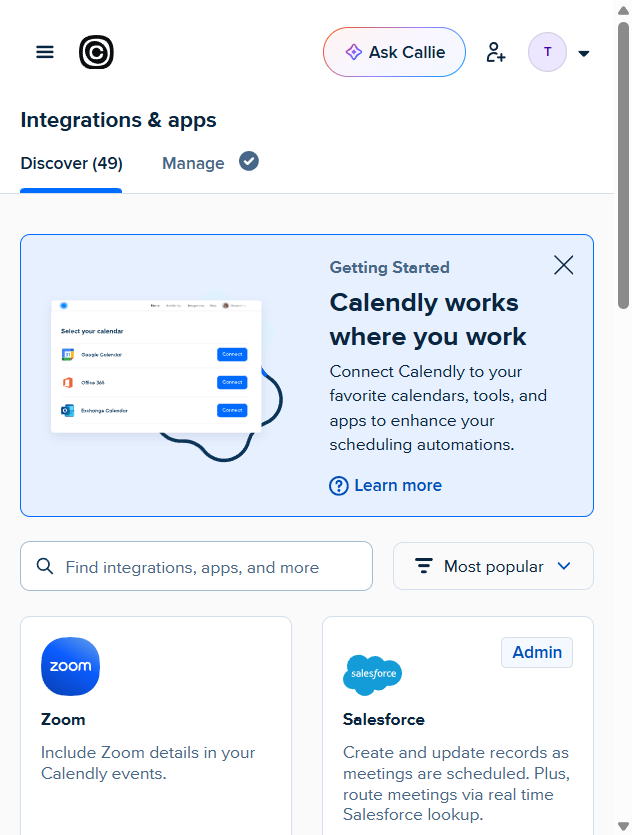
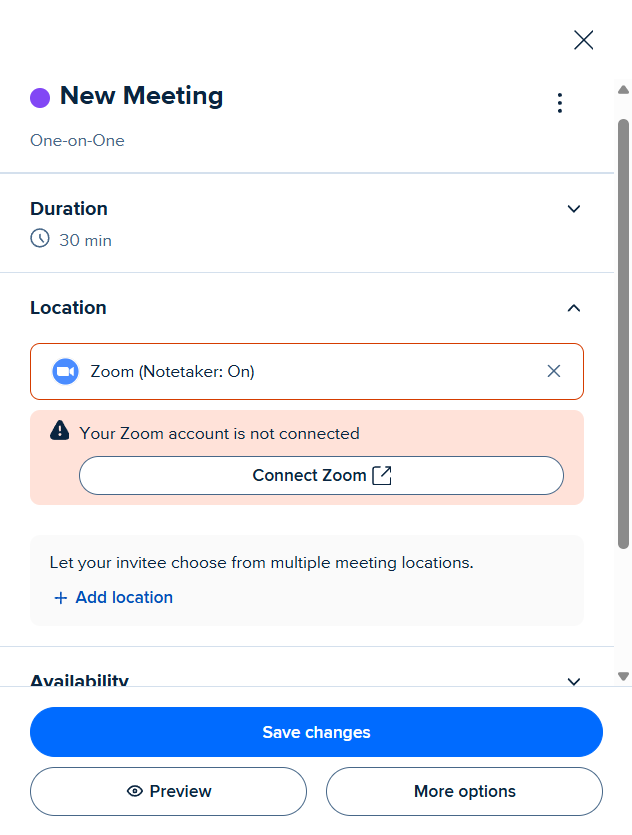
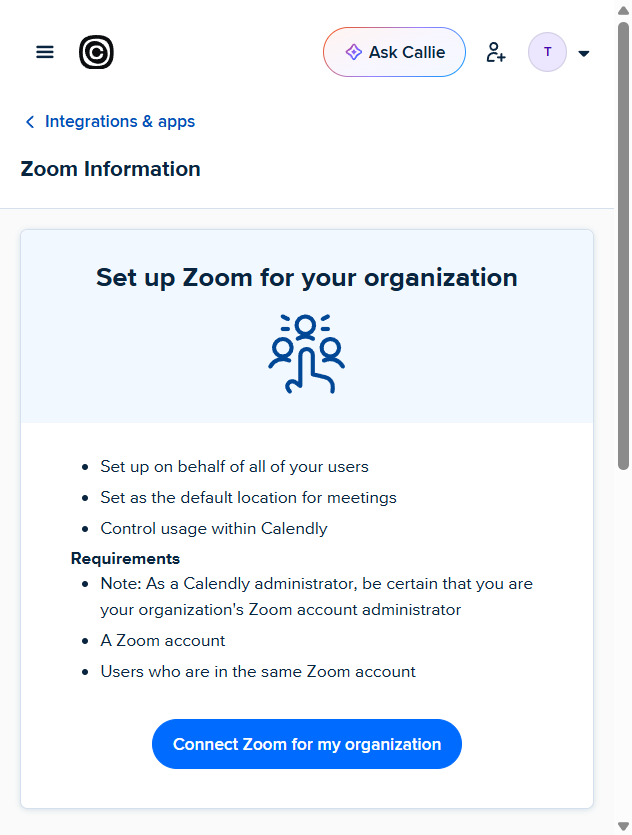
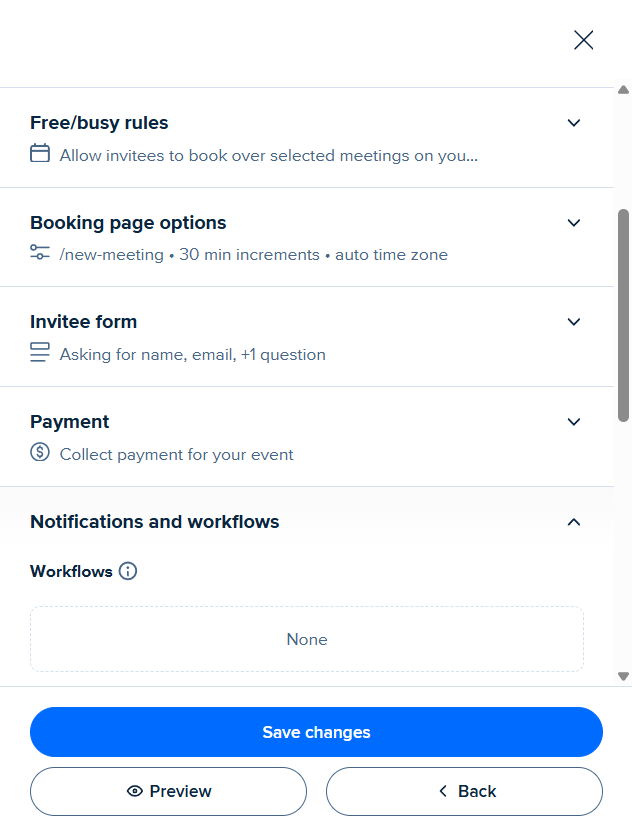
The integrations marketplace is real and reasonably wide — the Discover tab counts 49 apps — and the free-plan event editor lets you select Zoom / Phone call / In-person as the meeting location with no upgrade wall: picking Zoom only prompts “Your Zoom account is not connected” and a Connect Zoom button, i.e. a plain third-party OAuth handoff (which our automation cannot complete — a legitimate block). Auto-generated conference links are billed as a Standard feature, and our no-location test event’s confirmation carried no conference link at all. Notification defaults, read from the event editor: email confirmation ON (immediately after booking — the email we received in F4), email cancellation ON, but email reminders OFF by default (you must switch them on) and no free workflows. If you need “the invite includes a video call” without paying, that’s Cal.com’s built-in Cal Video (free) or a tool outside Calendly.
Speed and stability, measured
From the 2026-09-04 sweep: the public booking page hit domContentLoaded in 2.56s (TTFB 0.81s), the
pricing page in 1.62s — inside the 3-second bar we set for every product page. An interactive pass in
a real Chrome session (logged-in owner) corroborated it: the visitor page settled in 1.75s and the
admin event-types page in 3.63s, both with zero failed network requests. Console noise attributable
to Calendly itself: two requestStorageAccess: Permission denied. notices on the visitor page
(third-party cookie plumbing, no functional impact); zero on pricing. During onboarding we did catch
the “Server error. Please check your connection.” toast flashing across multiple steps even though
every step completed — cosmetic, but a bad first impression while setting up. Our own network produced
occasional connection resets; we’ve kept those out of the product’s score, as promised in the test plan.
Verdict
| Dimension | Score | One line |
|---|---|---|
| Core functionality | 4/5 | Booking→email→cancel loop fully evidenced; no free video, duration control unreachable |
| Ease of use | 4/5 | Fastest first-link of any scheduler we’ve tested (<60s, onboarding auto-builds it) |
| Stability | 4/5 | Idempotent server-side cancel, sub-3s pages; scary “Server error” toasts during setup |
| Collaboration | 3/5 | 1 seat free; round-robin/collective/routing are Teams-tier (untested, no-CC policy) |
| i18n | 3/5 | English UI tested; timezone/24h handling correct; Chinese UI unverified |
| Value for money | 3/5 | $10 seat/mo yearly is fair; the free plan is one link, while Cal.com’s free is unlimited on paper |
| Overall | 3.5/5 |
Choose Calendly free if: you need exactly one meeting type, your invitees are strangers you want bot-filtered automatically, and the cancel/reschedule email links matter to you (they’re the best implemented we’ve seen). Skip it if: you need more than one event type without paying, any built-in video, or your audience includes people who book from throwaway emails — the domain blacklist will reject them with no explanation beyond the error itself.
Facts about Cal.com in this article come from our 2026-08-31 hands-on (Cal.com review); the head-to-head table with both sides’ evidence is in Cal.com vs Calendly; pricing claims are from calendly.com/pricing captured 2026-09-02 and re-verified 2026-09-04, 2026-09-05 and 2026-10-10.